
Single
$9.90
One template, to see how it looks.
- 100 credits
- Use on any video or photo template
- Credits never expire
- Failed results refunded automatically
The sweater prompt below turns one selfie into a black-and-white studio close-up where only a giant cable-knit sweater has color, its long sleeves pulled up over the nose and mouth so just the eyes show. Paste it into ChatGPT or the Gemini app with your photo, or upload the photo here, pick one of 6 colors and get a 9:16 PNG at 2K for 10 credits.
1Your selfie
2Sweater color
The classic, Christmas red
Example · Red
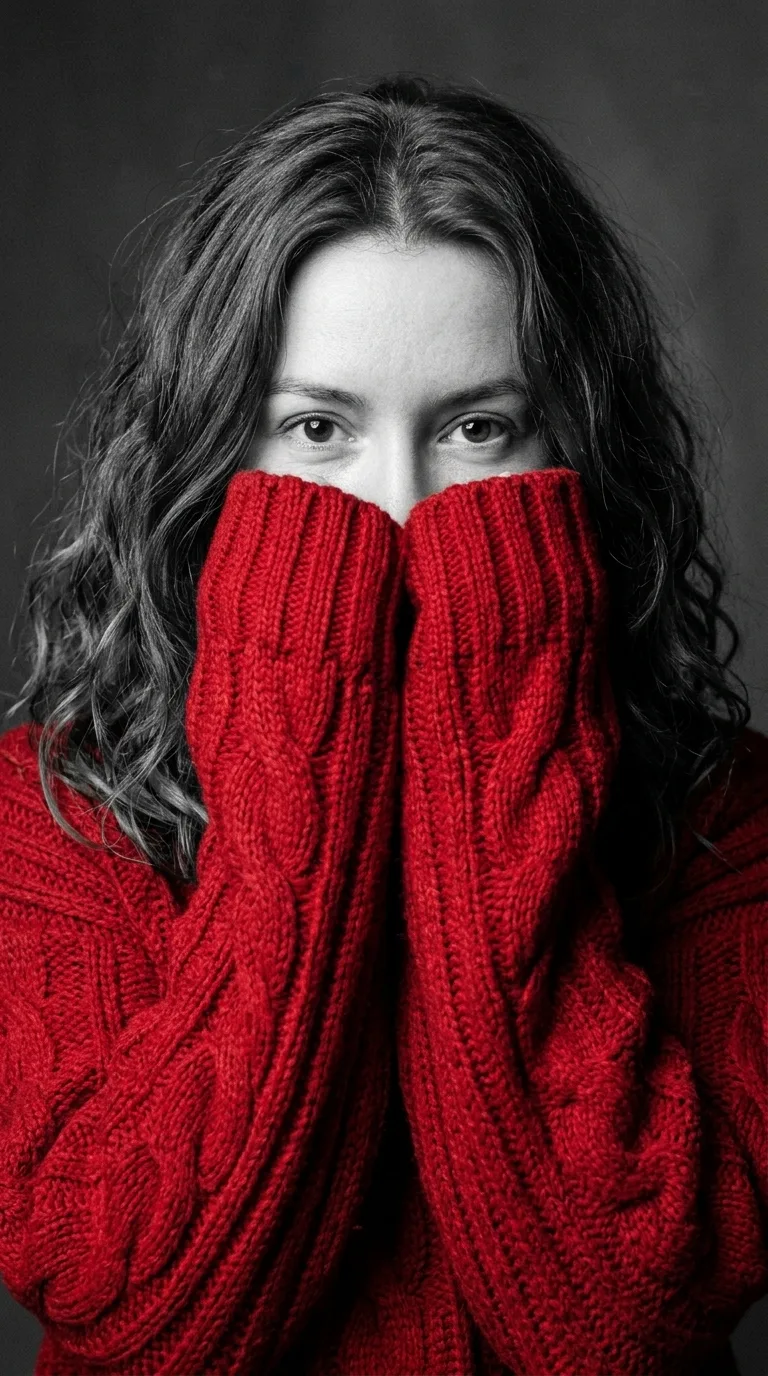
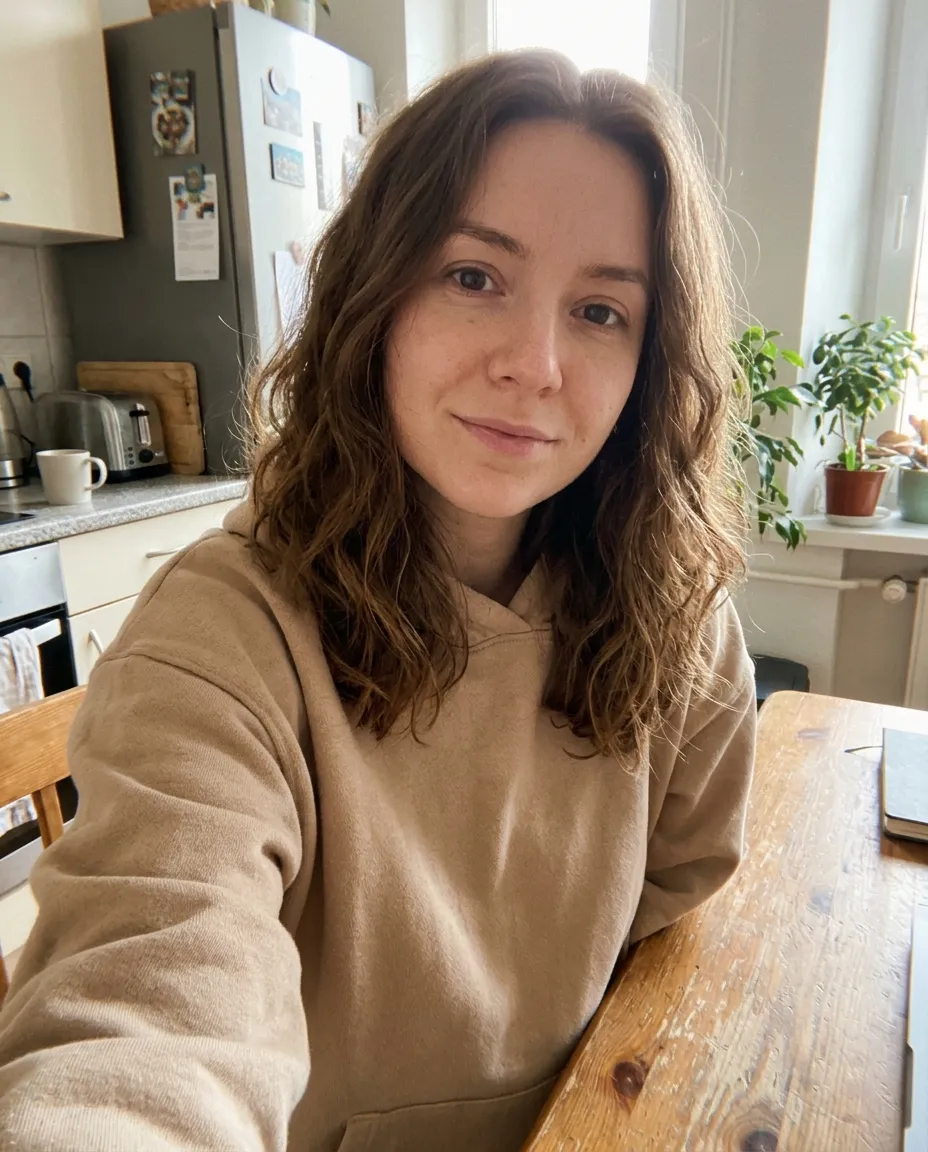
Copy this text, attach a selfie in ChatGPT or Gemini and send it. The generator on this page sends the same words to Nano Banana 2.1, with only the color swapped.
Use my attached photo as the face reference and keep my face exactly the same: the same face shape, eyes, eyebrows, nose, skin and hair, so anyone who knows me would recognise me instantly. Create a dramatic black-and-white studio portrait with one pop of colour. I am wearing an oversized, chunky cable-knit red sweater with extra-long, thick sleeves that cover my hands. I hold both hands up to my face so the sleeves cover my mouth and nose, and only my eyes look straight into the camera over the knit. Everything is black and white, including my skin, hair, eyes and the plain grey studio background. Only the sweater is in rich red. Close-up from the chest up, soft directional studio light, fine film grain, sharp focus on the eyes and visible knit texture. Vertical 9:16, photorealistic. No text, no watermark.
For another color, change “red” in both places, for example to “emerald green” or “soft pink”. To keep your real eye color, remove “eyes” from the black-and-white list and add “keep my natural eye color”.
Every picture below came from the same selfie and the same prompt. Only the color word changes, plus one run on a man’s photo.
The color the trend started with. Red gives the strongest contrast against the gray skin and background.
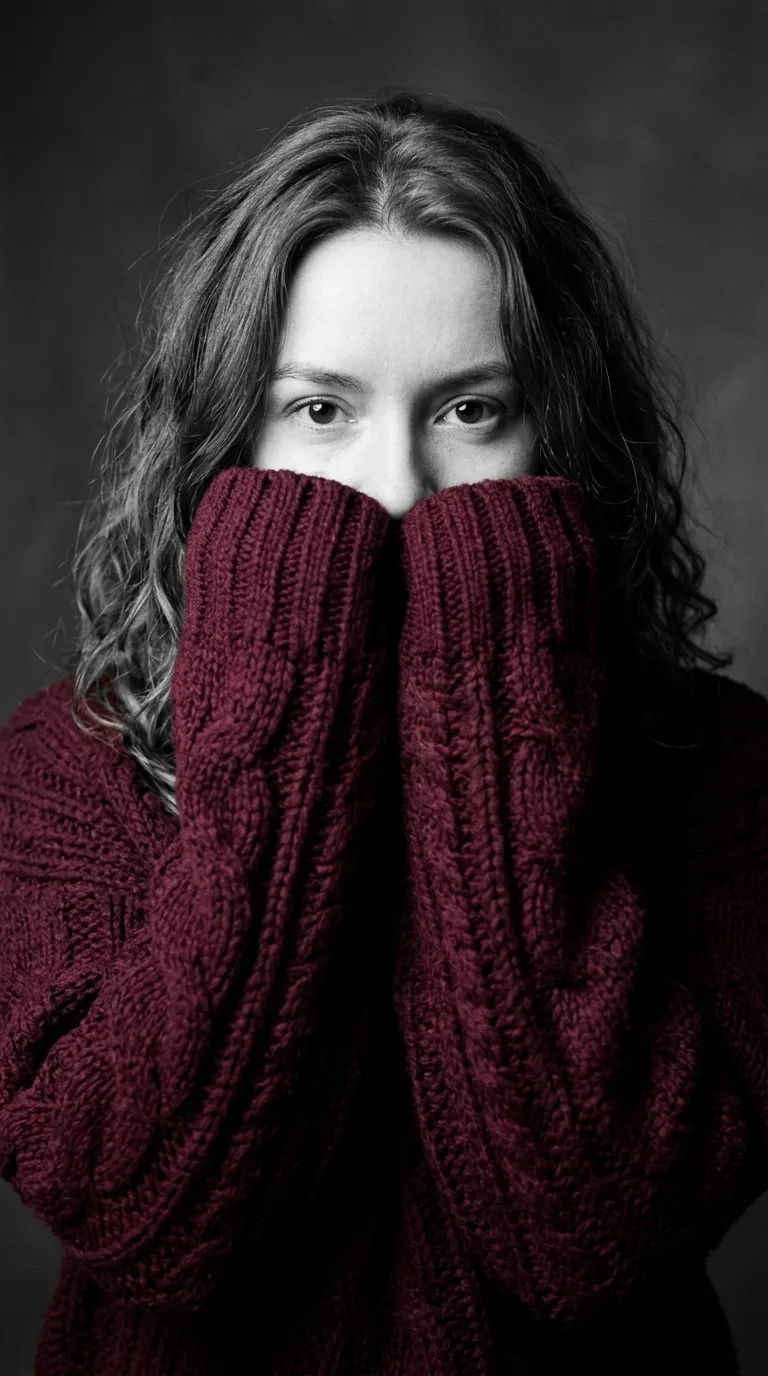
A darker wine red that looks moodier and more like a magazine cover.
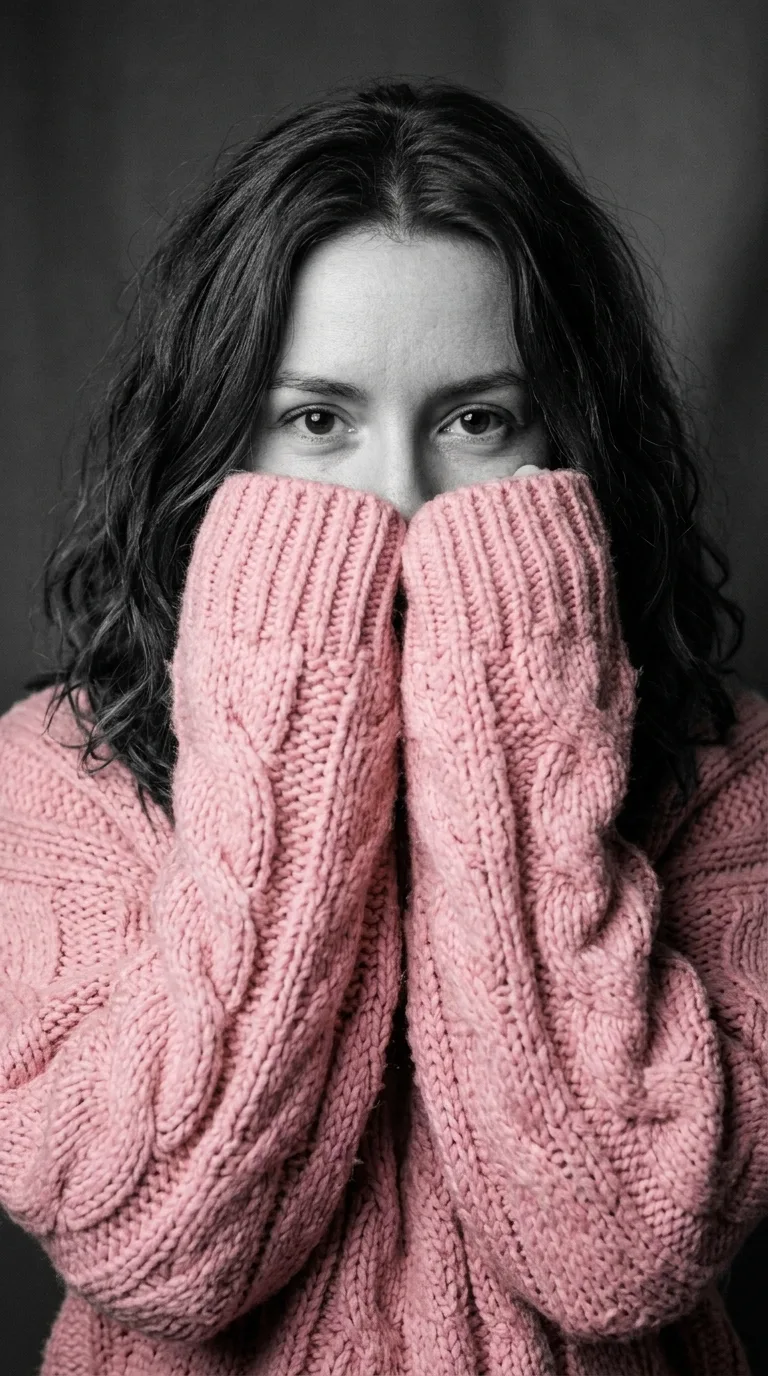
A gentle pastel that still reads clearly against black and white.
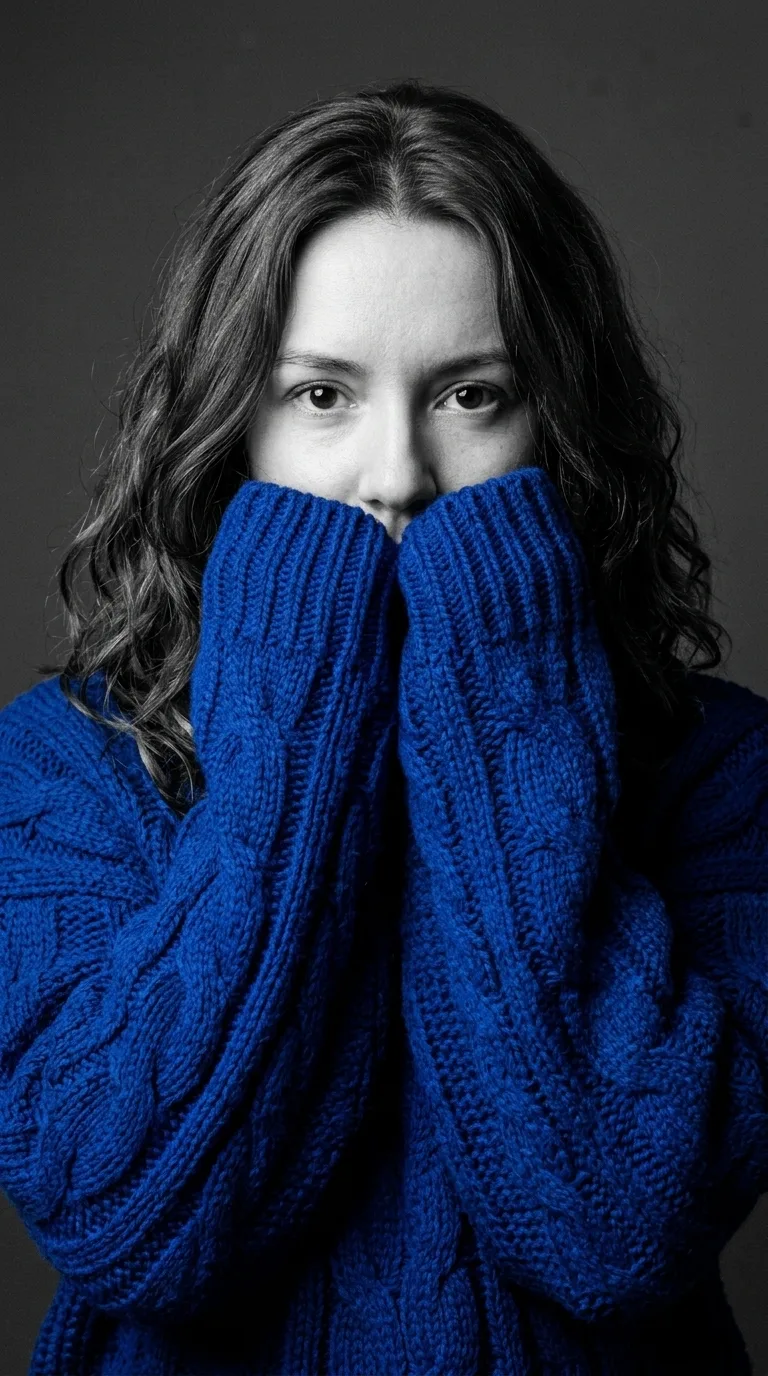
A cold, bright blue that suits a winter profile picture outside the Christmas season.
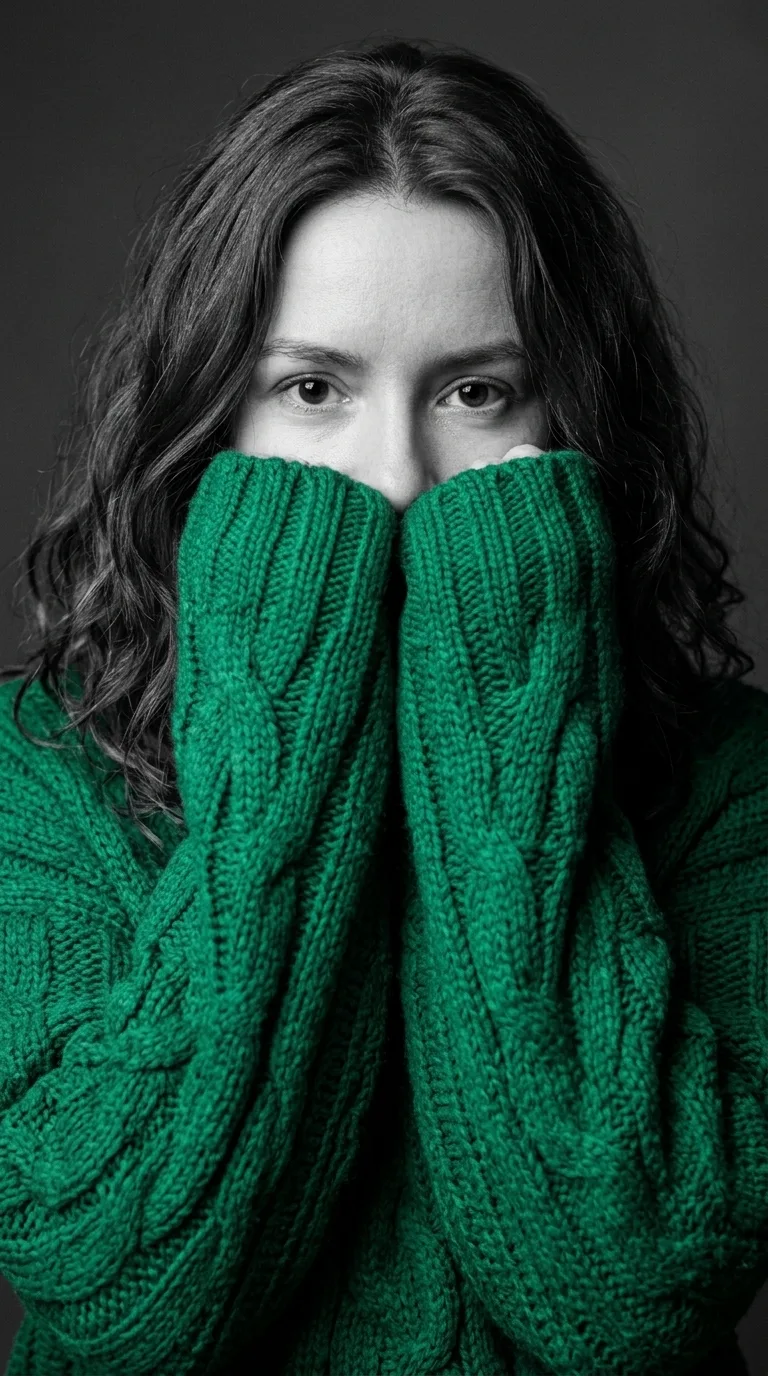
A deep green that feels festive without copying the classic red version.
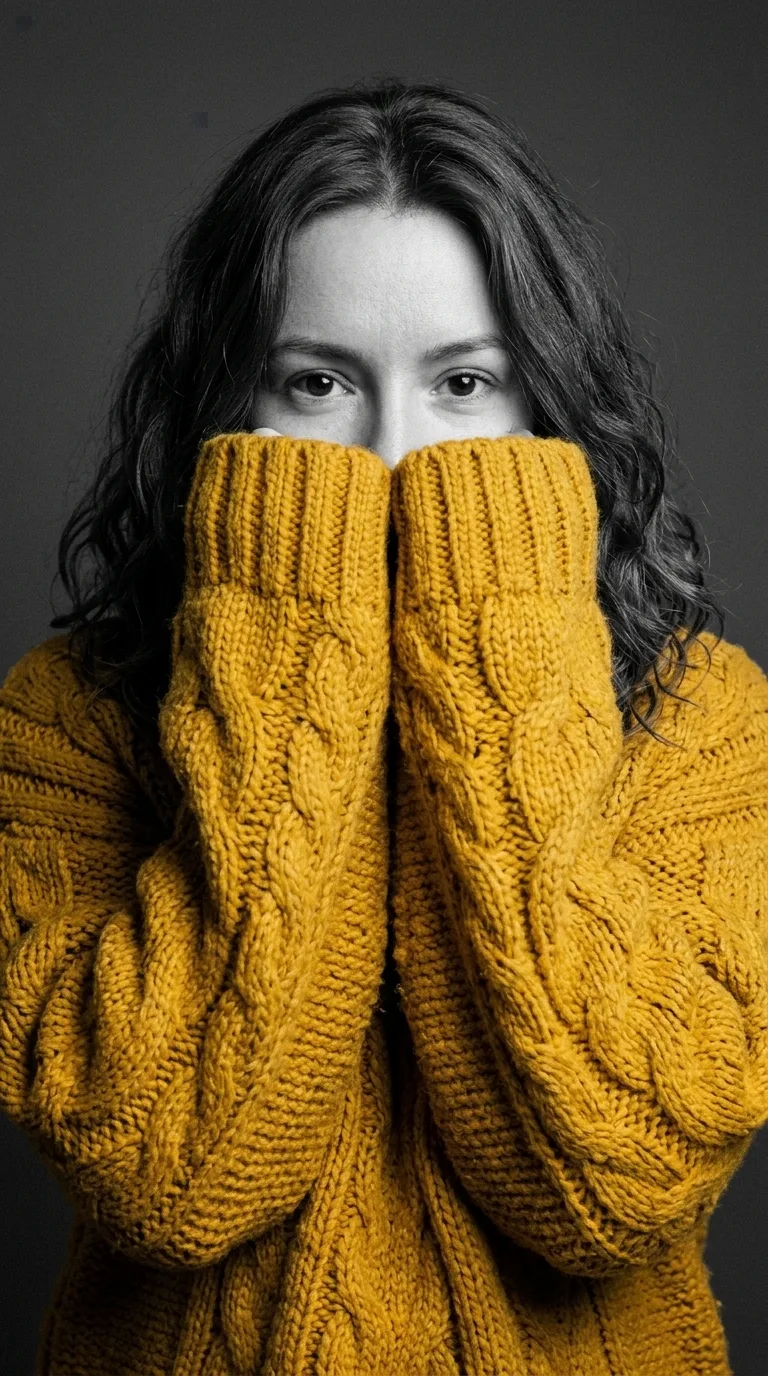
The warmest of the six, and the one that stands out most in a feed.
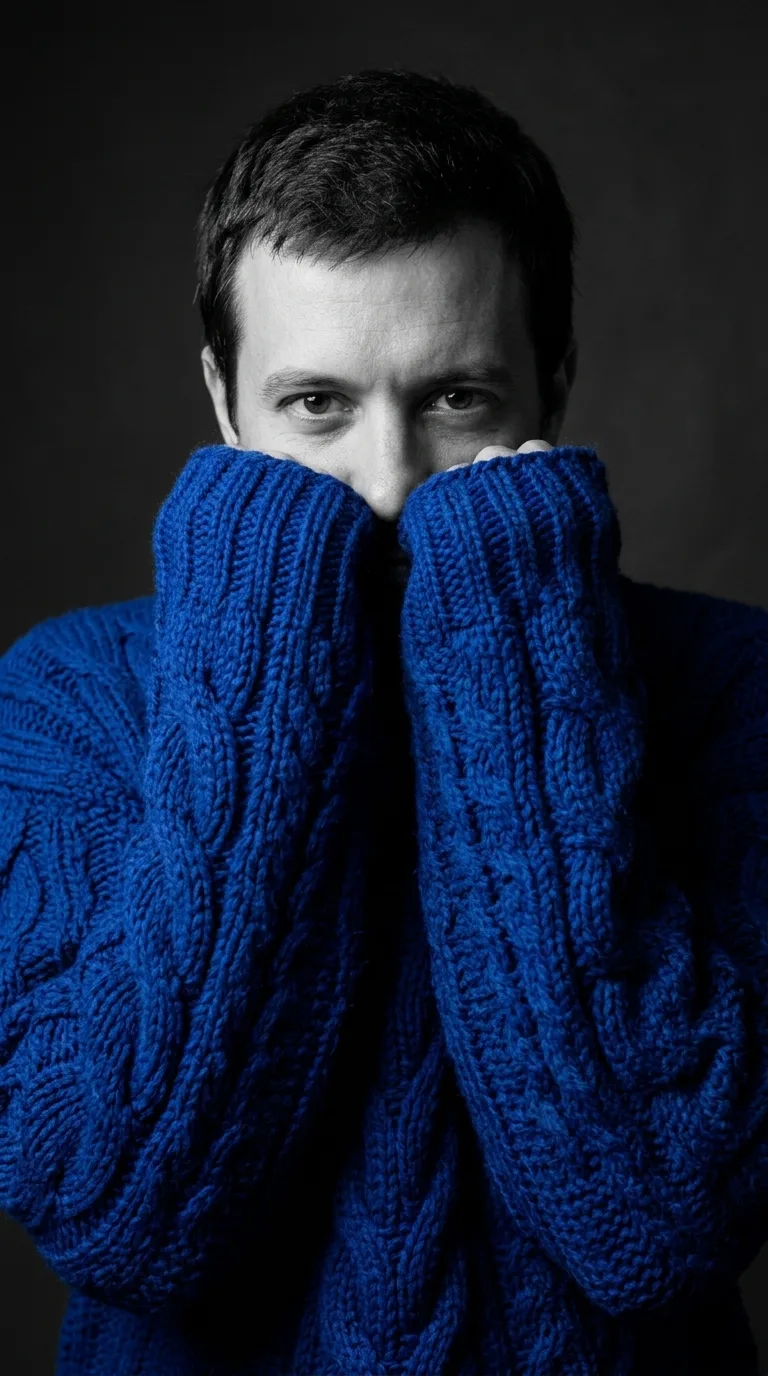

A full-length photo in a T-shirt still becomes a chest-up close-up. The model replaces the clothes, pose and framing and keeps the face.
Making the knit portrait here takes four steps and no prompt writing.
Use a sharp, front-facing photo of one person with the eyes in good light.
Red, burgundy, soft pink, royal blue, emerald green or mustard yellow.
Press Generate. The picture costs 10 credits and appears in the preview when it is ready.
Save the 9:16 PNG and post it as a Story, a TikTok photo or a profile picture.
People use the sweater portrait as a winter profile picture, a Story post or a matching set with friends.
A red or green knit portrait works as a December profile picture on Instagram, Facebook, WhatsApp or TikTok.
The 9:16 shape fits an Instagram Story or a TikTok photo post without cropping.
Friends, couples or a whole team can each run their own photo in the same color for a set that matches.
The generator needs no ChatGPT or Gemini account and no prompt editing, and it has no daily image limit.
Every picture costs 10 credits, whatever sweater color you pick. Credits come in one-time packs, never expire and work on every Christmas template, and a failed picture gives its credits back.
$9.90
One template, to see how it looks.
Most popular
$19.90
A few templates for the whole family.
$49.90
Videos and cards for everyone on your list.
$89.90
For creators posting holiday trends all season.
The sweater portrait is an AI photo trend that spread on TikTok, Instagram and Facebook in November 2026. People upload a selfie to ChatGPT or Gemini with one prompt and post the result: a gray studio portrait in which the only color is a huge knit sweater, with the sleeves hiding the lower half of the face.
The picture uses selective color, a photo technique where everything is desaturated except one object. Here that object is the sweater, so a strong color like red or emerald green works much better than beige or gray. Posts also call it the sweater challenge or the red sweater trend.
Source:Selective color, Wikipedia
Use ChatGPT or Gemini when you want to tweak the prompt yourself and stay inside a free daily limit. Use the generator here when you want a set color, a 2K file and no prompt editing.
| Option | What you do | What you get | Price |
|---|---|---|---|
| This generator | Upload a selfie, pick a color | 2K PNG, 9:16, Nano Banana 2.1 | 10 credits |
| ChatGPT | Attach a selfie, paste the prompt | Depends on your plan | Free with daily limits |
| Gemini app | Attach a selfie, paste the prompt | Google’s Nano Banana models | Free with daily limits |
Open a new ChatGPT chat, attach a clear selfie with the plus or paperclip button, paste the sweater prompt from this page and send it. If the face in the result does not look like you, reply “keep my face exactly as in the photo” and ask for the picture again.
Yes. The sweater prompt works in the Gemini app the same way: attach the photo, paste the prompt and send. Gemini draws images with Google’s Nano Banana models, the same family as the generator on this page, so the results look similar.
The prompt is free to copy and use in ChatGPT or Gemini within their daily limits. Each sweater portrait made here costs 10 credits, whatever color or style you pick, and a failed picture gives its credits back. New accounts start with no free credits. Packs start at $9.90 for 100 credits, which makes 10 pictures, and the credits never expire.
Eyes stay in color when a prompt only asks for a black-and-white face and background. The prompt on this page names the eyes in the black-and-white list, so they come out gray. To keep your natural eye color, change “including my skin, hair, eyes” to “including my skin and hair, but keep my natural eye color”.
Red is the classic sweater trend color and gives the strongest contrast. Burgundy looks darker, emerald green and royal blue look cooler, and soft pink and mustard yellow look warmer. Any saturated color beats beige, gray or black, which disappear against the black-and-white background.
The sweater prompt works on men’s photos exactly as on women’s. The generator here makes one person per picture, so for a couple, run each photo in the same color. For a pet, paste the prompt into ChatGPT or Gemini and change “hands” to “paws”.
Only photos of yourself, or of adults who agreed to it. You tick a box to confirm this before each picture, and photos of children and celebrities are not allowed.
Your browser re-encodes the photo before upload, which drops its location data. The photo goes to kie.ai, which runs the Nano Banana model for us, and is deleted from kie.ai’s storage after 24 hours. Your pictures stay in “Your recent results” for 14 days. Photos are never used to train AI models or sold. Making a picture requires signing in with Google.
Last updated . Prices on this page come from the live checkout settings.
ChatGPT is a trademark of OpenAI and Gemini is a trademark of Google. This site is not affiliated with either. The generator on this page runs on Google’s Nano Banana 2.1 through kie.ai, not on ChatGPT.
The same credits work on every picture and dance video on the site.
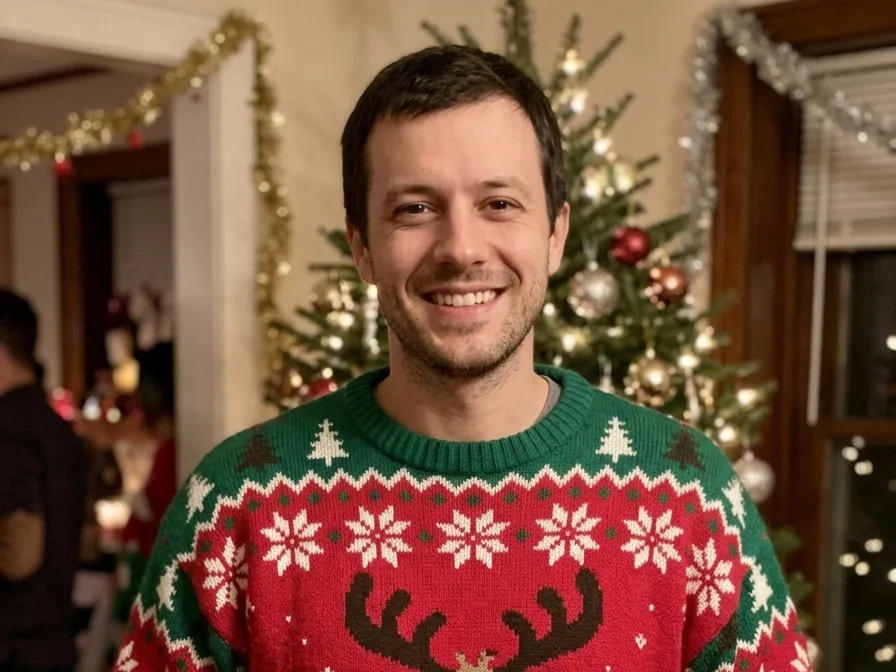 AI ugly sweater makerYour photo at a Christmas party in a reindeer, Santa, kitten, light-up or face-knit sweater. Groups welcome.
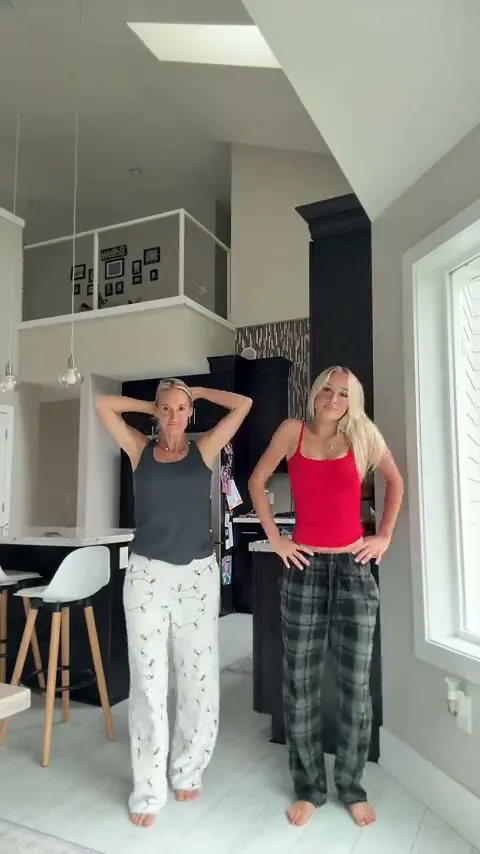 Christmas Dance videoTwo people in pajama pants dance in sync in a bright kitchen, with the clip’s own sound.
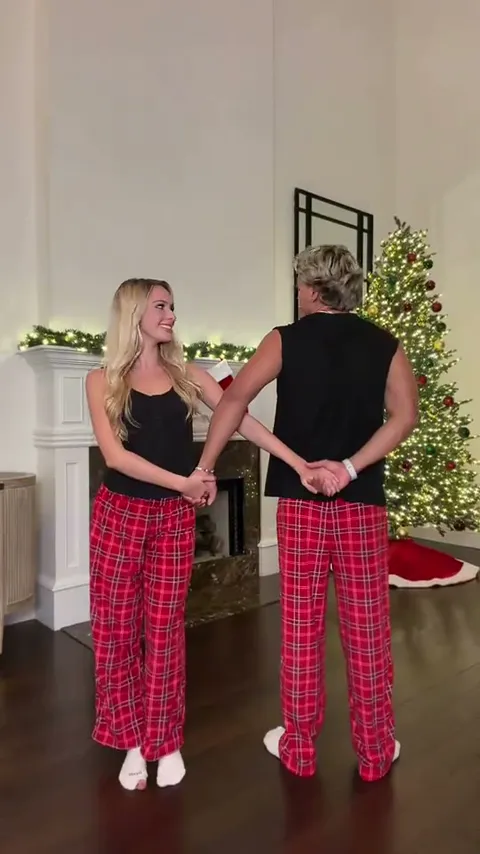 Snowman Dance videoThe couple dance by the fireplace and the Christmas tree, from the arch to the piggyback finish.
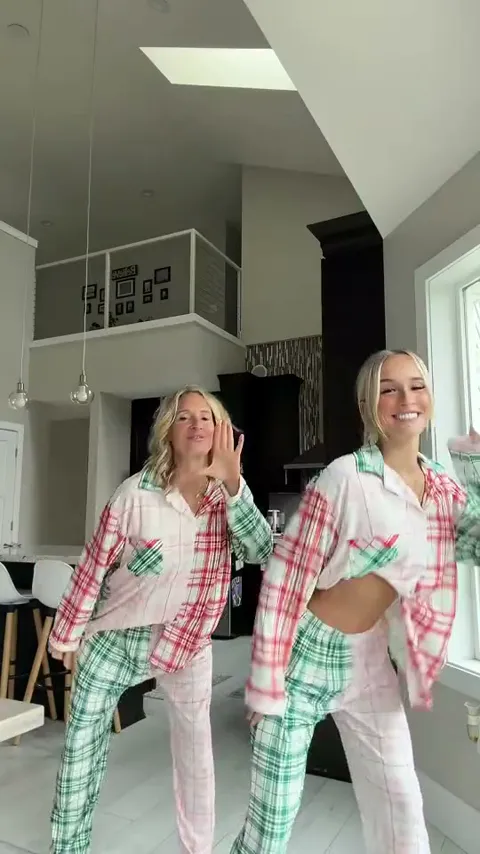 All I Want for Christmas Dance videoTwo people in patchwork plaid pajamas dance side by side, spin to swap places and finish arms up.