
TrendingVideo
Christmas Dance
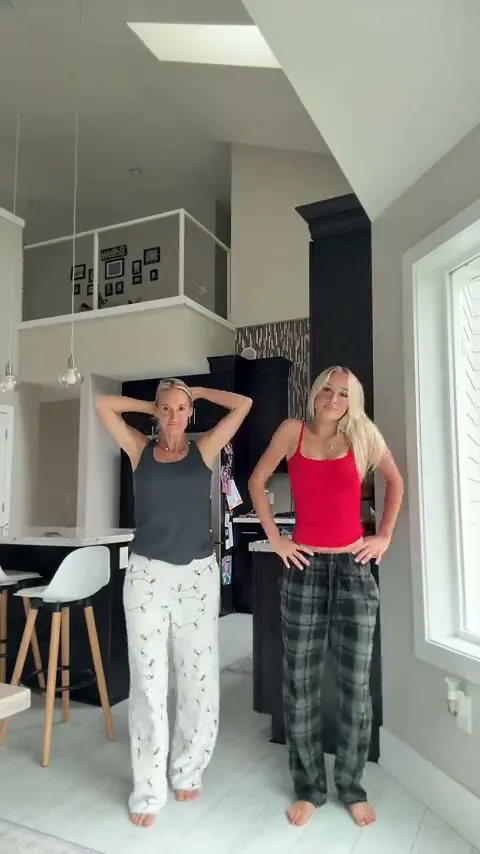
Two people in pajama pants dance in sync in a bright kitchen, with the clip’s own sound.
- You bring
- 2 photos
- You get
- 14 s video with sound
Turn your photos into a viral Christmas dance video, like the Snowman Dance, or into an ugly sweater photo or a black-and-white sweater portrait with 5 holiday AI templates. Pick a template, upload the photos it asks for (two for a dance video, one for a picture) and download the result. Everything runs in the browser, with no app to install and no prompt to write.
3 video templates recreate viral Christmas dance clips with you and one other person in them: the Christmas Dance, the Snowman Dance and the All I Want for Christmas Dance. Each one takes two photos and downloads as a 12 to 14 second vertical MP4 for TikTok, Instagram Reels or YouTube Shorts.
Two people in pajama pants dance in sync in a bright kitchen, with the clip’s own sound.
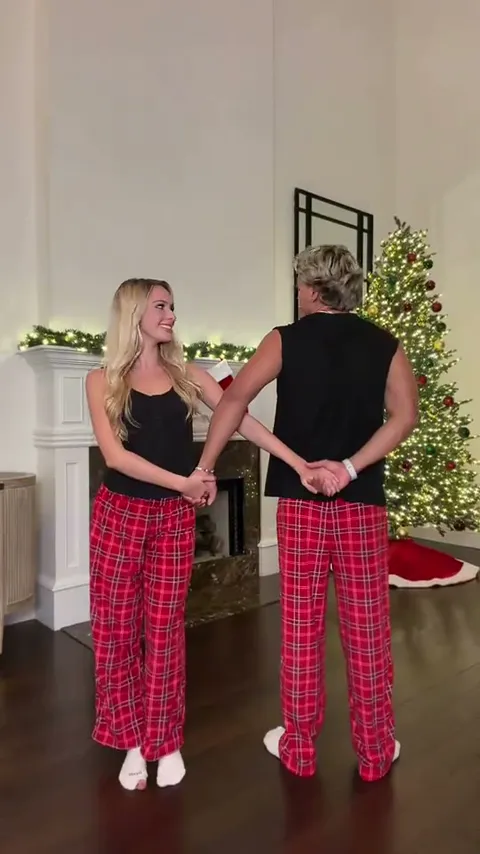
The couple dance by the fireplace and the Christmas tree, from the arch to the piggyback finish.
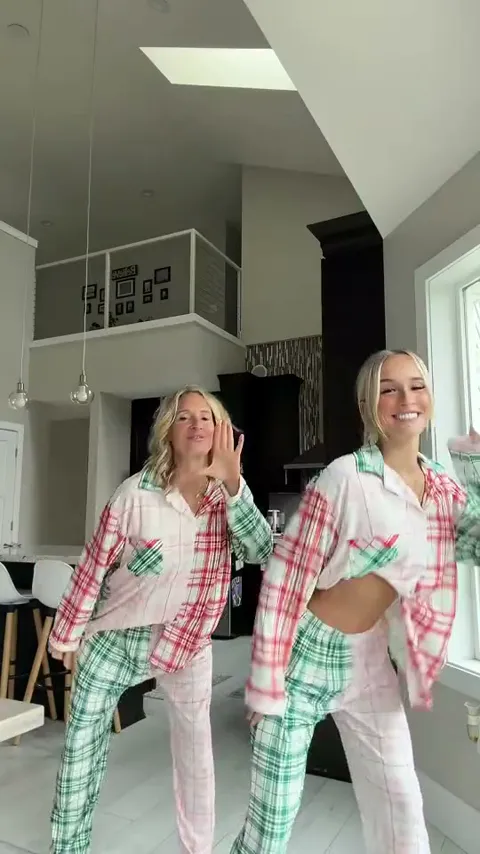
Two people in patchwork plaid pajamas dance side by side, spin to swap places and finish arms up.
2 picture templates turn one photo into this season’s sweater trends: the black-and-white knit portrait from the ChatGPT sweater prompt, and an ugly Christmas sweater party photo for one person or a whole family. Both pages show the full prompt next to the picture it made.
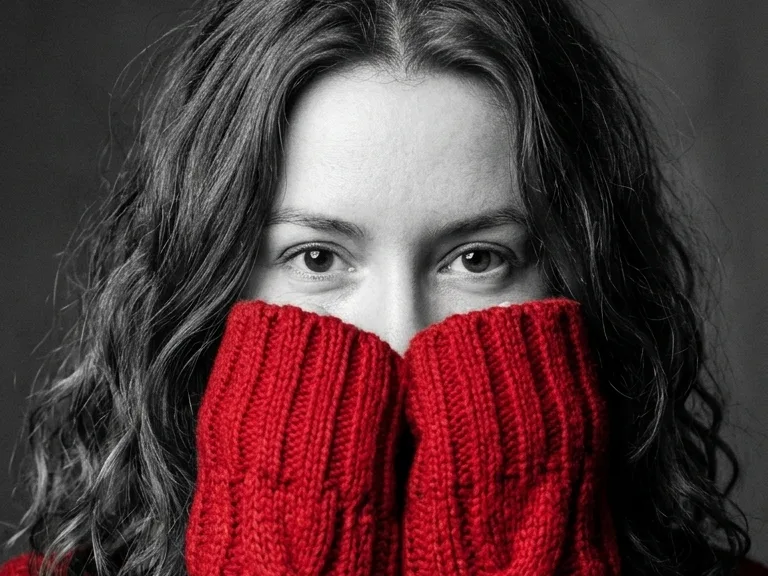
The viral black-and-white portrait where only the knit sweater has color. Copy the prompt or make it here.
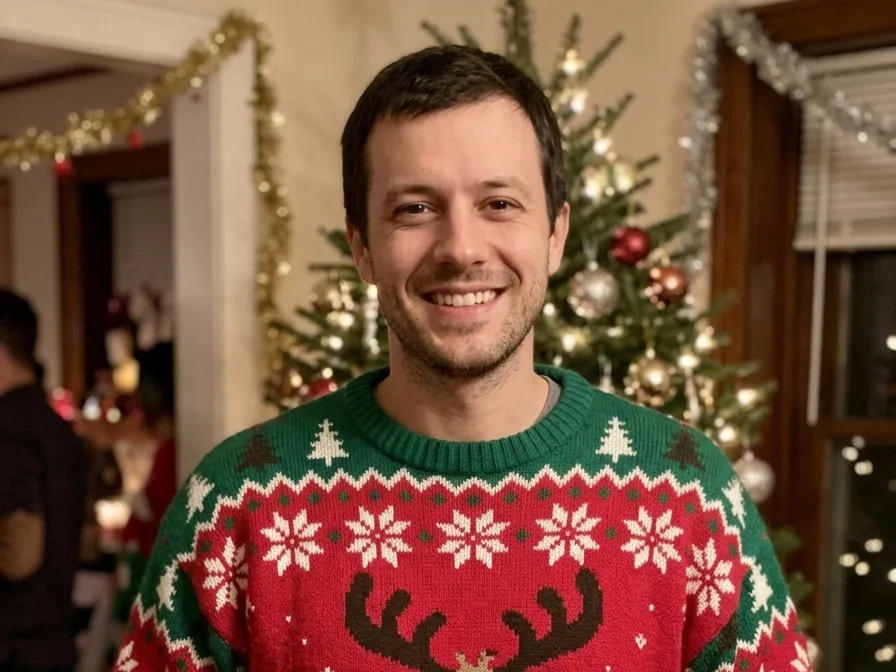
Your photo at a Christmas party in a reindeer, Santa, kitten, light-up or face-knit sweater. Groups welcome.
Making an AI Christmas video or picture takes three steps and no prompt: pick a template, upload one or two photos, and download the result. Most of the work is choosing the photo.
Choose one of 3 video templates, like the Snowman Dance or the Christmas Dance, or one of 2 photo templates, like the ugly Christmas sweater or the black-and-white sweater portrait. Each template page shows an example of the result first.
The dance videos take two photos, one per person, and the photo templates take one. Use front-facing photos with one person per photo, good light and no sunglasses. JPG, PNG and WebP all work. Use photos of yourself or of people who agreed to appear, and no celebrities.
The credit cost shows on the Generate button before you press it. Videos download as MP4 files and pictures as image files. If a result fails, its credits go back to your balance automatically.
Not sure where to start? The ugly sweater photo from one picture is the simplest template, and the Christmas dance trend video is the one people are posting this week.
Families, couples, parents, pet owners, creators and small businesses use holiday AI templates to make Christmas photos and videos without a photoshoot, a costume or any editing skills.
Families turn one family photo into matching ugly Christmas sweaters, or put two relatives who live apart into the same Christmas Dance video.
Couples and best friends use the Snowman Dance template to post the fireplace couple dance from two photos, so neither person has to learn the lift.
A parent and an adult son or daughter star in the All I Want for Christmas Dance together, from one photo each, without rehearsing.
Teams turn one group photo into matching ugly sweater avatars for Slack, Teams or the office party invite.
TikTok, Instagram Reels and YouTube Shorts creators use the video templates to join the holiday trends without filming anything.
Shops, cafés and studios post a festive dance clip or an ugly sweater photo of the team for their customers.
Credits come in one-time packs, from $9.90 for 100 credits up to $89.90 for 1,800 credits. Each template shows its credit cost on the Generate button before you start. There is no subscription, the credits never expire, and a failed result gives its credits back.
$9.90
One template, to see how it looks.
Most popular
$19.90
A few templates for the whole family.
$49.90
Videos and cards for everyone on your list.
$89.90
For creators posting holiday trends all season.
Use a template site when you want a specific holiday trend fast, and use ChatGPT or Gemini when you want to describe a one-off scene yourself. CapCut fits best when you already filmed the clip and want to edit it.
| Option | Best for | What you do | Price |
|---|---|---|---|
| Christmas AI templates | Trend videos and sweater photos without writing a prompt | Pick a template and upload a photo | Credit packs from $9.90 |
| ChatGPT | One-off pictures in a style you describe yourself | Upload a photo and write a detailed prompt | Free with limits, paid plans for more |
| Google Gemini app | Quick photo edits and festive backgrounds | Upload a photo and describe the change | Free with limits in the Gemini app |
| CapCut / Dreamina | Editing Christmas clips you filmed yourself | Pick an effect, then edit the clip on a timeline | Free to start, some effects paid |
A holiday template is the better choice when you want a trend that already has a fixed look, like the Snowman Dance or the Christmas Dance. The template keeps the room, the pajamas and the moves of the real clip, so you only add your photos. It also suits people who don’t want to write or tweak prompts.
ChatGPT or the Gemini app is the better choice when you want full control over a one-off picture and don’t mind writing prompts; our sweater trend prompt works there too. CapCut is the better choice when you filmed your own video and want to cut it, add text and add effects on a timeline.
The AI Christmas trend is people using AI to put themselves into holiday scenes they never shot: black-and-white sweater portraits and ugly sweater photos made from a selfie, and viral duo dances made from two photos.
The AI sweater portrait trend turns one selfie into a black-and-white studio close-up where only a huge knit sweater has color, its sleeves pulled over the nose and mouth. People post it on TikTok, Instagram and Facebook, made in ChatGPT, Gemini or a black-and-white sweater portrait maker.
The Christmas duo dance trend is two people dancing a short routine at home, often in matching pajamas, and posting it on TikTok and Instagram Reels. Well-known versions are the snowman couple dance to Sia’s “Snowman” and the Mariah Carey pajama dance. AI versions put two people into the clip from one photo each.
AI ugly sweater photos put everyone in a picture into a loud holiday knit at a Christmas party, without buying a sweater. People use them for party invites, family cards and team avatars: try on an ugly Christmas sweater.
Most people making AI Christmas pictures use ChatGPT, the Google Gemini app or a template site such as Adobe Firefly, Aragon or Christmas AI. ChatGPT and Gemini need a written prompt for each picture. Template sites let you pick a ready-made Christmas style and upload a selfie instead. For trend videos like the Snowman Dance or the Christmas Dance, a template site is the quickest route, because the moves come from a real clip.
The AI Christmas photo trends this season are the black-and-white sweater portrait and the ugly Christmas sweater photo. Both start from one clear, front-facing photo. Paste the trend prompt into ChatGPT or Gemini, or pick a color or design on a template page and generate. Then download the picture and post it on Facebook, Instagram or TikTok.
No. New accounts start with no free credits, and each holiday template costs credits that show on the Generate button before you start. Credit packs cost from $9.90 for 100 credits up to $89.90 for 1,800 credits. Every pack is a one-time payment and the credits never expire. ChatGPT and the Gemini app can make Christmas pictures for free with daily limits, but they need a written prompt.
There is no single ChatGPT prompt for a Christmas picture, but this season’s two photo trends each have one. The sweater trend prompt asks for a black-and-white portrait where only a knit sweater has color. The ugly sweater prompt dresses everyone in a loud holiday knit at a party. Both prompts are on their template pages in full, each shown with the picture it made.
On this AI Christmas generator, your browser strips location data from a photo before upload. The photo goes to our AI provider only to make your result and is deleted from the provider’s storage within about 24 hours. Results stay available for 14 days. Photos are never used to train AI models or sold. Generating requires signing in with Google.
Yes. The AI Christmas templates run in the web browser, so they work in Safari on iPhone and iPad, in Chrome on Android, and in any desktop browser. There is no app to install. Videos download as MP4 files that you can post straight to TikTok, Instagram Reels or YouTube Shorts.
The viral Christmas dances are short duo clips filmed at home. The Snowman Dance is a couple’s dance to Sia’s “Snowman”. The All I Want for Christmas Dance is a pajama routine to Mariah Carey’s song. The Christmas Dance is two people in pajama pants dancing in a kitchen. Each one has its own AI template here, made from two photos.
Each AI Christmas dance video holds two people, from one photo each, so a bigger family can make one dance per pair. For everyone at once, the ugly Christmas sweater generator puts a whole family photo into matching sweaters. Each dance photo should show one person clearly, facing the camera.
Last updated . Credit pack prices on this page come from the live checkout settings.
Start with the Snowman Dance, or try on an ugly Christmas sweater. Pick a template, upload your photos, and send it to the family group chat tonight.