How to Make the ChatGPT Sweater Picture (Prompt Inside)
Updated · By Christmas AI
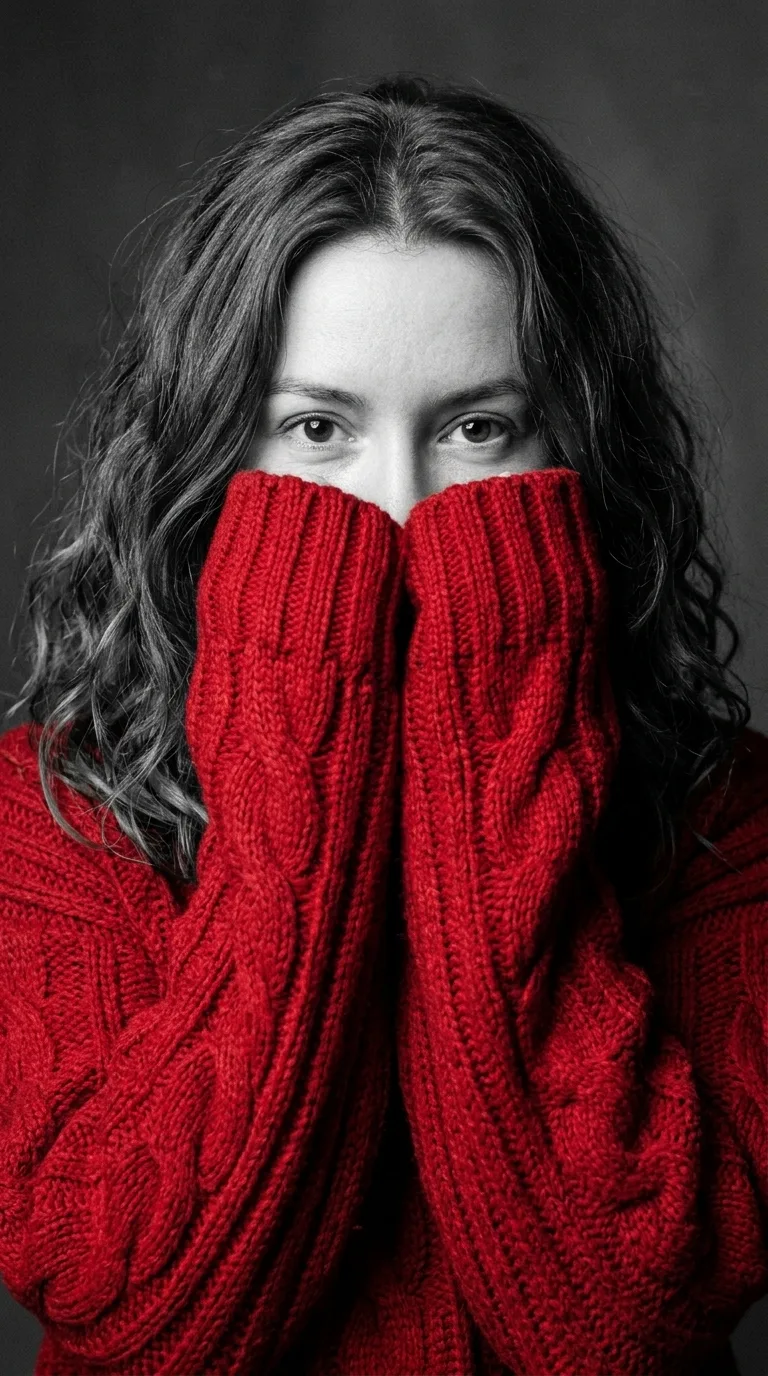
To make the ChatGPT sweater picture, open a new ChatGPT chat, attach a clear selfie, paste the sweater prompt below and send it. You get a black-and-white studio portrait where only an oversized knit sweater has color, its sleeves pulled over your nose and mouth. The same prompt works in Gemini, and this site’s generator runs it for you in one click.
What is the exact prompt to paste?
Copy this prompt word for word. It names the face reference, the sweater, the pose, the black-and-white rule and the framing, which are the five things the trend picture depends on.
Use my attached photo as the face reference and keep my face exactly the same: the same face shape, eyes, eyebrows, nose, skin and hair, so anyone who knows me would recognise me instantly. Create a dramatic black-and-white studio portrait with one pop of colour. I am wearing an oversized, chunky cable-knit red sweater with extra-long, thick sleeves that cover my hands. I hold both hands up to my face so the sleeves cover my mouth and nose, and only my eyes look straight into the camera over the knit. Everything is black and white, including my skin, hair, eyes and the plain grey studio background. Only the sweater is in rich red. Close-up from the chest up, soft directional studio light, fine film grain, sharp focus on the eyes and visible knit texture. Vertical 9:16, photorealistic. No text, no watermark.
How do you make the sweater portrait in ChatGPT, step by step?
- 1
Open a new chat
Start a fresh ChatGPT chat, so earlier messages do not change the picture.
- 2
Attach a selfie
Tap the plus or paperclip button and add a sharp, front-facing photo of one person, with the eyes well lit.
- 3
Paste the prompt and send
Paste the full prompt from above and send it. ChatGPT makes one vertical image.
- 4
Fix the face if needed
If the face does not look like you, reply “keep my face exactly as in the photo” and ask for the picture again.
- 5
Download and post
Save the image and post it as a Story or a profile picture; it is already vertical.
Does the knit portrait prompt work in Gemini?
Yes. In the Gemini app, attach the selfie, paste the same prompt and send it. Gemini draws images with Google’s Nano Banana models, the same family that made the example pictures on this page, so the results look close to them.
How do you get a different sweater color?
Change the color word in both places it appears. Here is the same prompt for an emerald green sweater, with the picture it made:
Use my attached photo as the face reference and keep my face exactly the same: the same face shape, eyes, eyebrows, nose, skin and hair, so anyone who knows me would recognise me instantly. Create a dramatic black-and-white studio portrait with one pop of colour. I am wearing an oversized, chunky cable-knit emerald green sweater with extra-long, thick sleeves that cover my hands. I hold both hands up to my face so the sleeves cover my mouth and nose, and only my eyes look straight into the camera over the knit. Everything is black and white, including my skin, hair, eyes and the plain grey studio background. Only the sweater is in rich emerald green. Close-up from the chest up, soft directional studio light, fine film grain, sharp focus on the eyes and visible knit texture. Vertical 9:16, photorealistic. No text, no watermark.
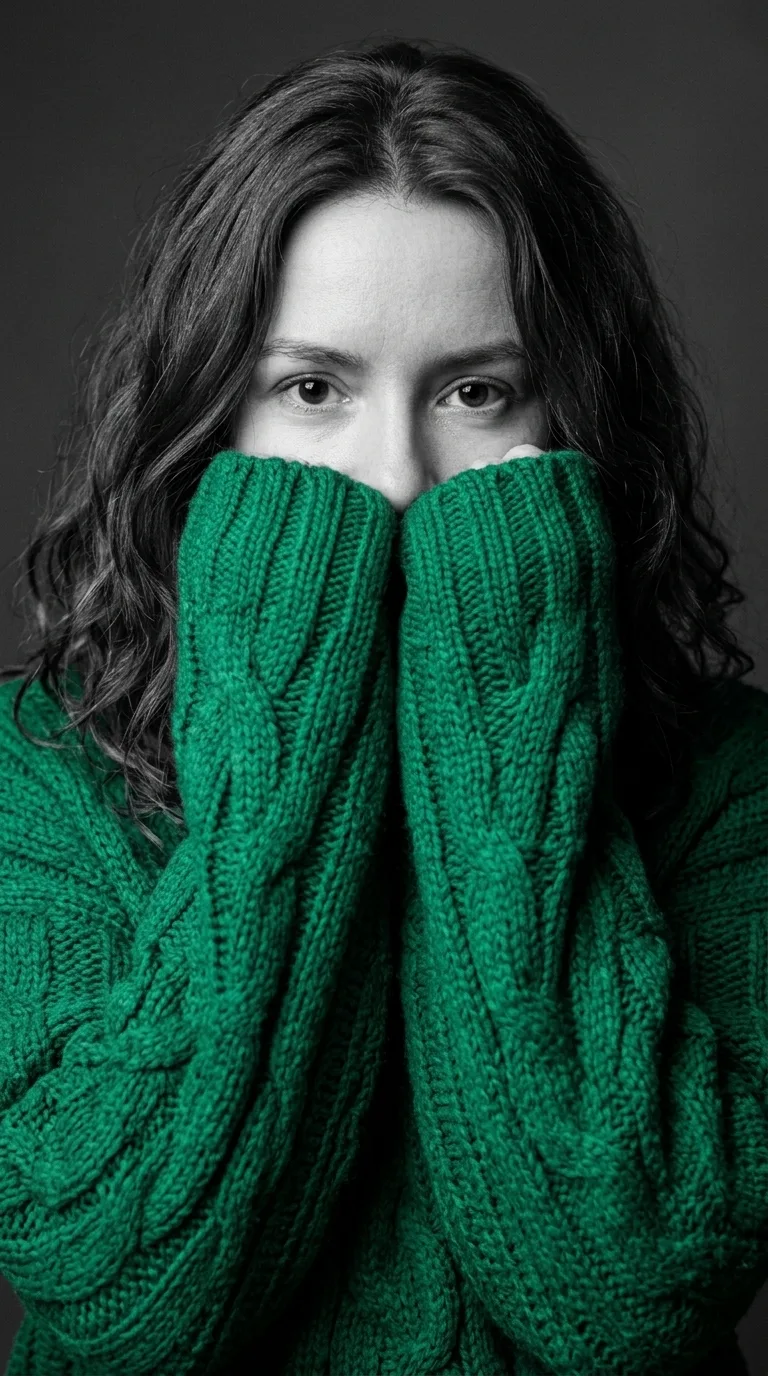
These six colors all work well against the gray background:
Red: the classic, christmas red. 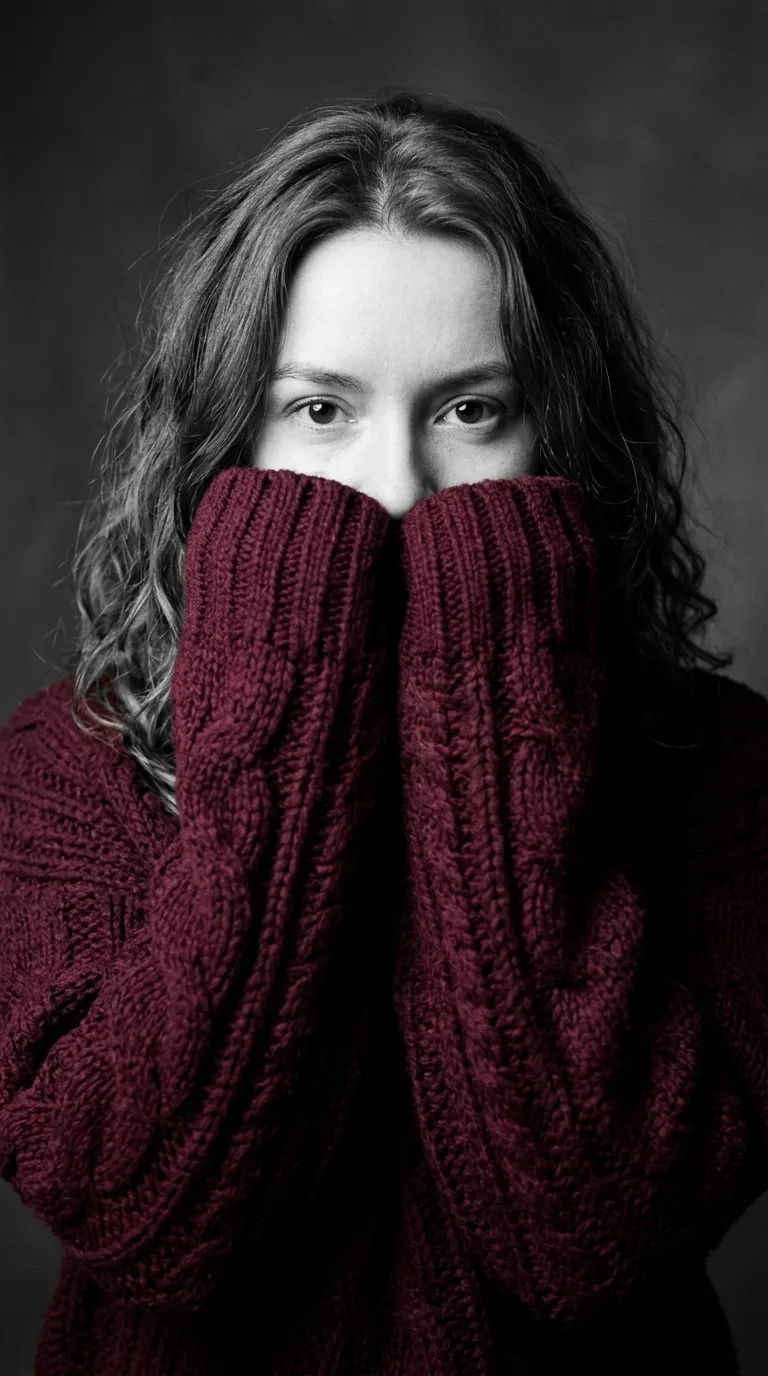
Burgundy: darker and moodier. 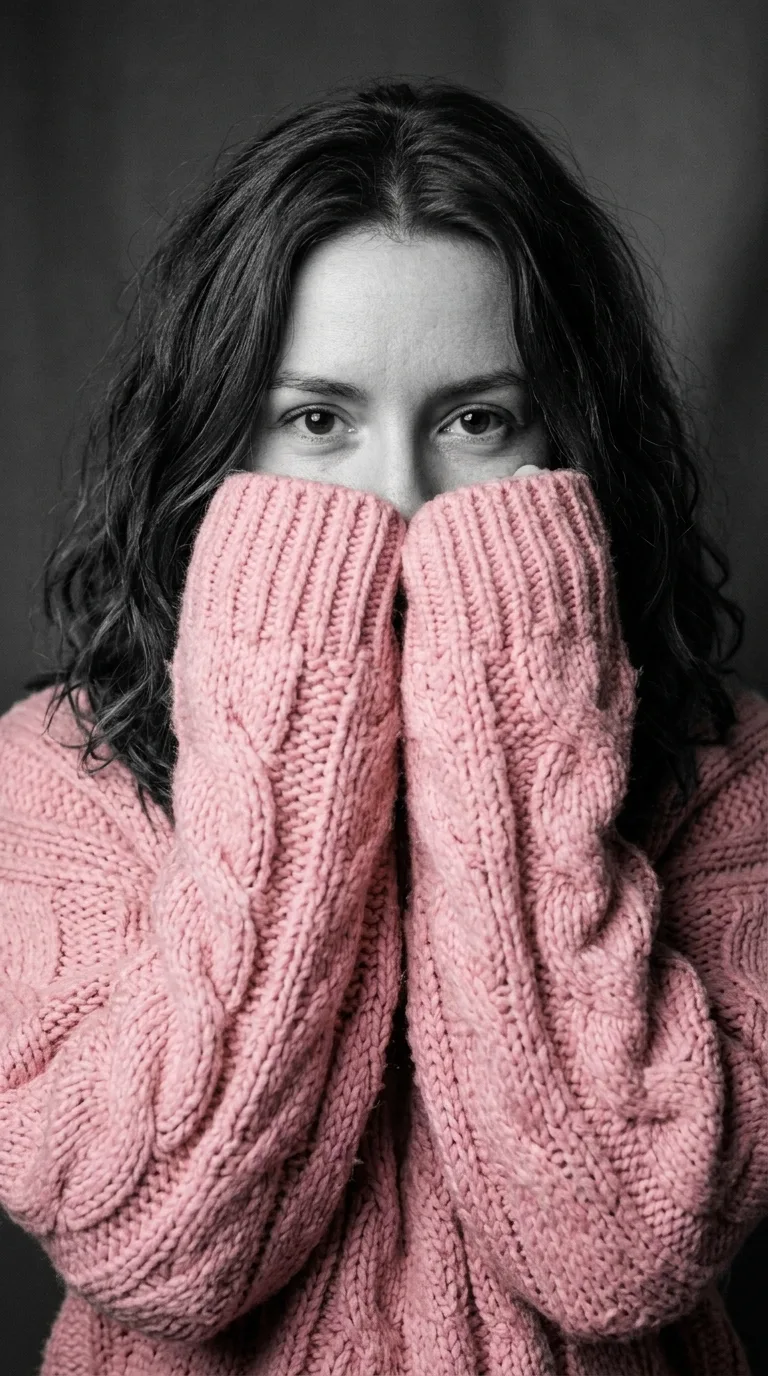
Pink: soft pink against grey. 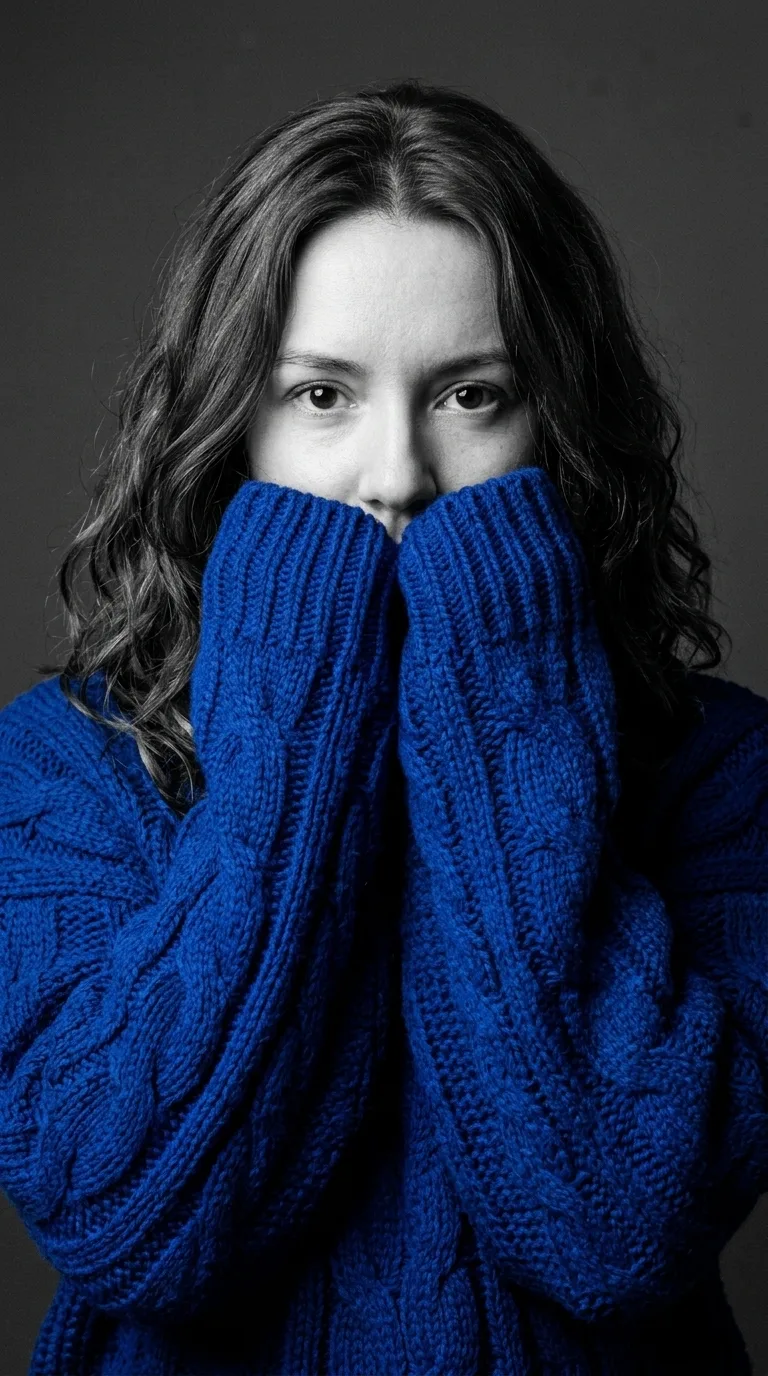
Royal blue: cold, bright blue. Emerald green: deep, rich green. 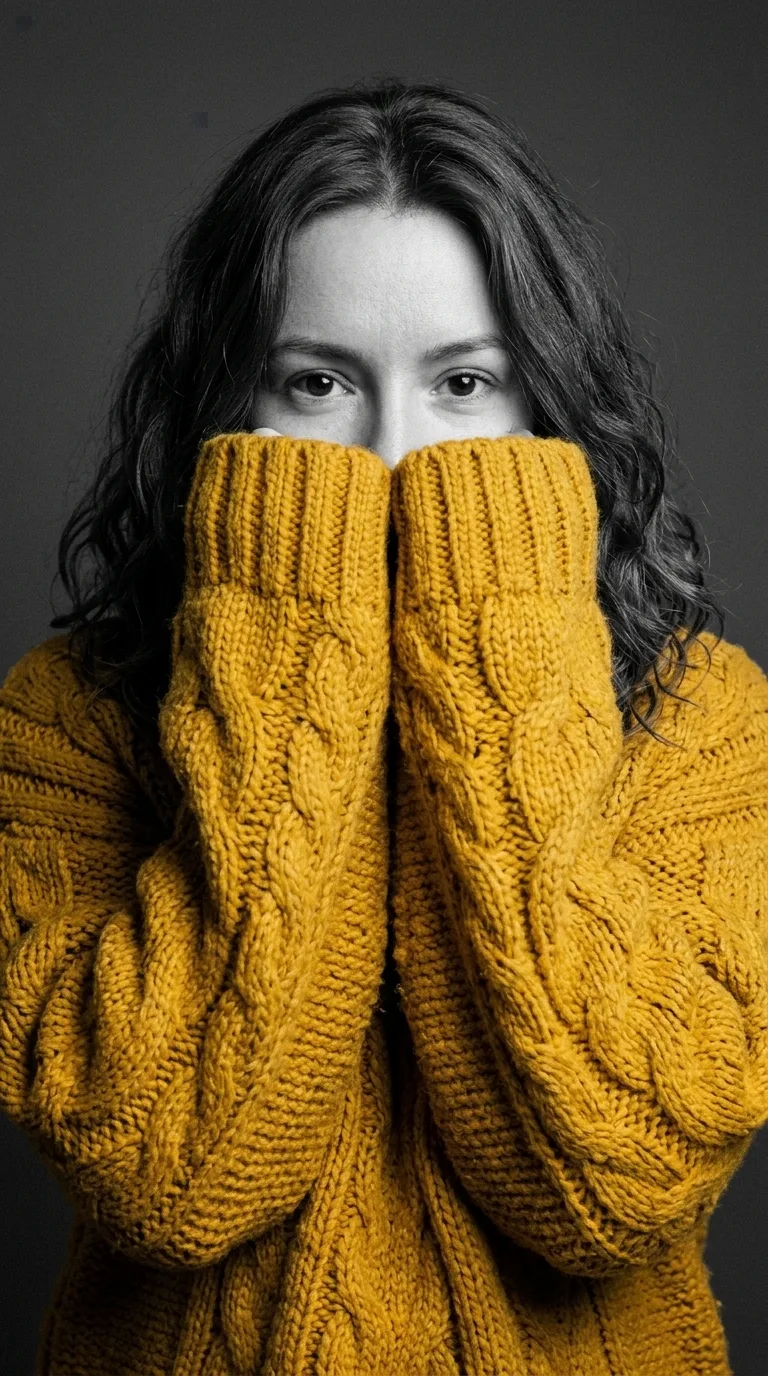
Mustard yellow: warm and bold.
What if the portrait doesn’t look like you?
- Use a sharper photo: a blurry or tiny selfie gives the model too little to copy.
- Crop the photo to one person from the chest up before you attach it.
- Light the eyes well; they are the only part of the face left visible.
- Take off sunglasses and hats in the photo.
- Ask again with “keep my face exactly as in the photo, change only the clothes and the colors”.
Eyes still in color? The prompt above already lists the eyes in the black-and-white part. To keep your real eye color on purpose, change “including my skin, hair, eyes” to “including my skin and hair, but keep my natural eye color”.
Is there a way to make it without writing a prompt?
Yes. The sweater portrait generator on this site sends the same prompt to Nano Banana 2.1 at 2K: upload the selfie, pick one of six colors and press Generate. Each picture costs 10 credits.