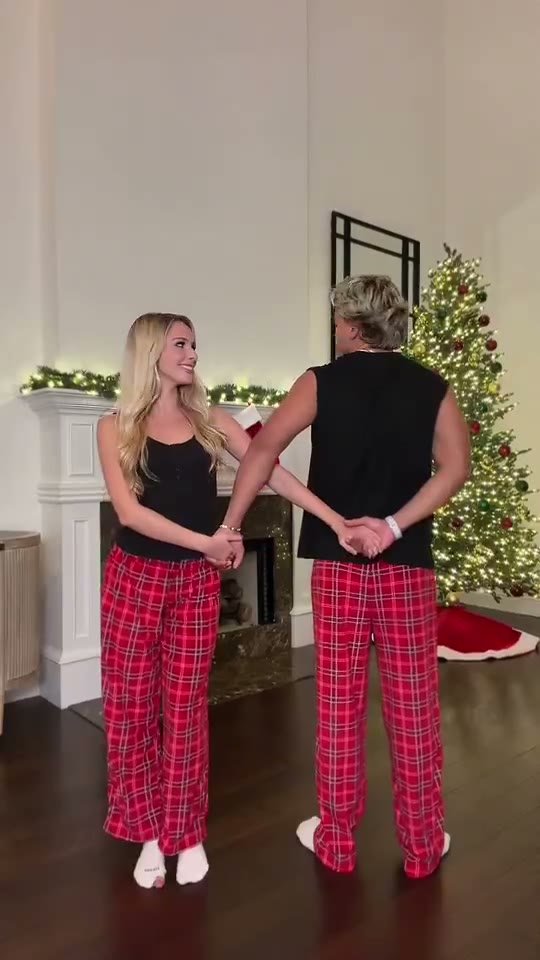
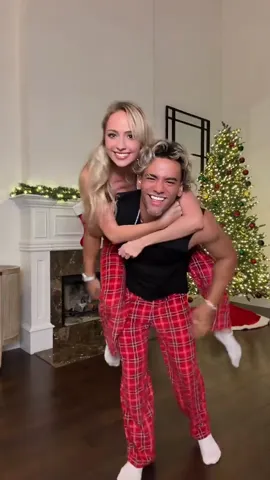
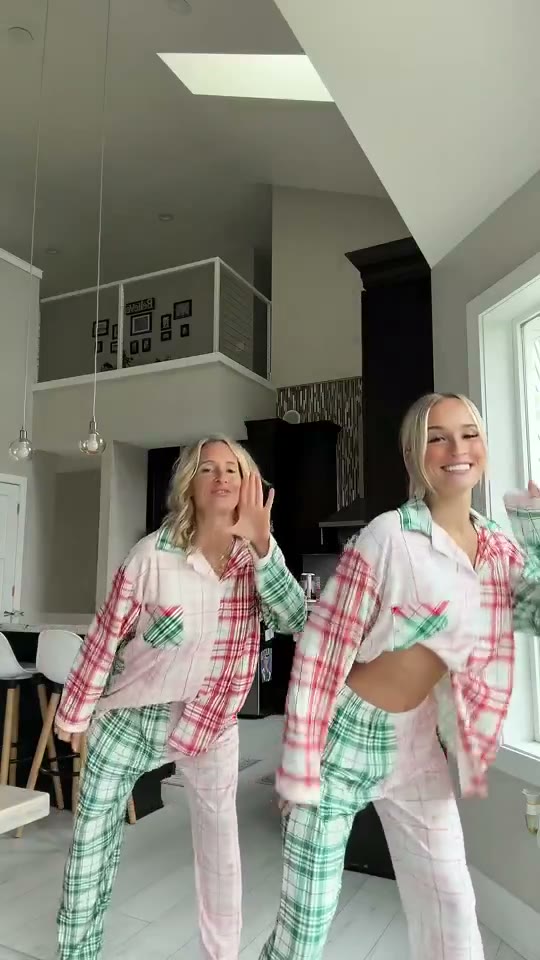
How to Make a Christmas Dance Video from Two Photos
Updated · By Christmas AI
There are two ways to make a Christmas dance video. Without filming, upload one photo of each person to an AI dance template and download the finished 14-second MP4. With filming, set a phone on a tripod, learn a 10 to 15 second routine and add the song in TikTok. Both ways are explained step by step below.
What do you need for an AI holiday dance clip?
An AI Christmas dance clip needs four things and no dancing:
- Two photos, one of each person who should appear in the dance.
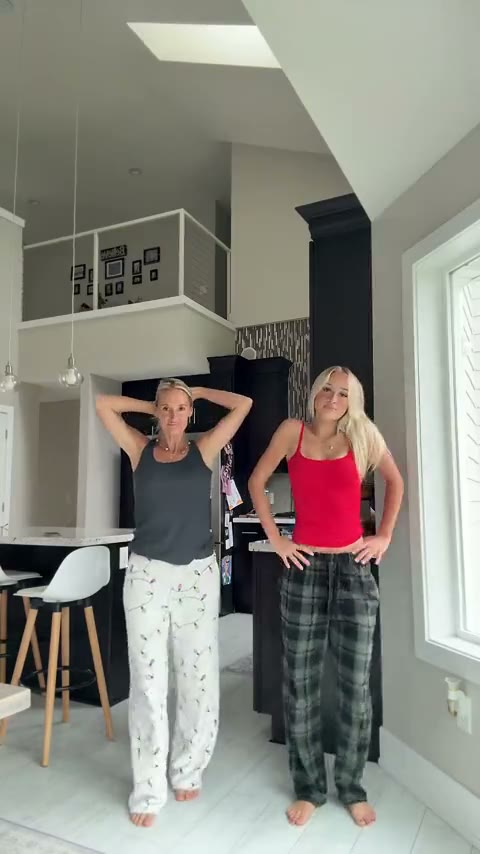
- A dance template: a real trend clip the AI recreates, such as the pajama-pants kitchen dance (14 s), the Snowman couple dance (12 s) or the Mariah Carey pajama duo (12 s).
- Credits: a standard 480p video costs 100 credits, and the smallest pack is $9.90 for 100 credits.
- A phone or computer with a browser. There is no app to install.
How do you make the dance video with AI, step by step?
- 1
Open the Christmas Dance template
Go to the Christmas Dance template. The example clip plays next to the upload boxes, so you can see the exact dance you will get.
- 2
Add one photo per person
Person 1 becomes the dancer in the gray top and white pajama pants; Person 2 becomes the dancer in the red top and green plaid pants. Each photo should show one adult, facing the camera, head to waist in frame.
- 3
Pick a quality and press Generate
The video costs 100 credits at Standard (480p), 200 at HD (720p) or 600 at Full HD (1080p). The price shows on the Generate button before you press it, and a video that fails gives its credits back.
- 4
Download the MP4 and post it
The finished video appears under “My videos” as a vertical MP4 with the clip’s sound. Post it to TikTok, Instagram Reels or YouTube Shorts as it is.
Which photos give the best AI dance result?
The AI copies faces, hair and skin tone from your photos, so the quality of the photos decides how much the dancers look like you.
- Use one photo per person, with one adult in each photo. Group photos do not work.
- Face the camera, head to waist in frame, in daylight or bright indoor light.
- Skip sunglasses, hats and hands in front of the face; the AI copies what it can see.
- Clothes do not matter: the dancers keep the outfits from the trend clip.
How do you film a Christmas dance yourself?
Filming the dance yourselves costs nothing and puts your own room and pajamas in the video. Most of the work is practice, so plan a few run-throughs before the first take.
- 1
Pick a trend and its sound
Open the sound in TikTok or Instagram and watch five or six versions, so you know the routine and where it starts in the song.
- 2
Set up the phone
Put the phone on a tripod or a shelf at chest height, in vertical 9:16, about three steps away, so both of you are in frame from head to feet.
- 3
Learn the moves in parts
Learn the routine in two or three chunks of four seconds each and run each chunk until it is in sync. Our kitchen dance breakdown lists the five parts with timings.
- 4
Film several takes and add the song
Record the dance silently or with the music playing, keep the best take, and add the sound from the app’s music library when you post.
Should you use AI or film the dance yourself?
| Way | What you do | Best when | Cost |
|---|---|---|---|
| AI dance template | Upload two photos | You are apart, short on time or do not want to dance | From 100 credits |
| Film it yourselves | Learn the routine, film on a tripod | You are together and want your own room in it | Free |
| CapCut or TikTok template | Pick a template, add your own clips | You already filmed some footage | Free to start |